


Whether it's business records or family photos, we set up automatic backups and test that they work, including Microsoft 365 for businesses. Lost a file? We'll try to get it back.
 Backups set up to run on their own Restores tested, not just assumed Honest advice on what can be recovered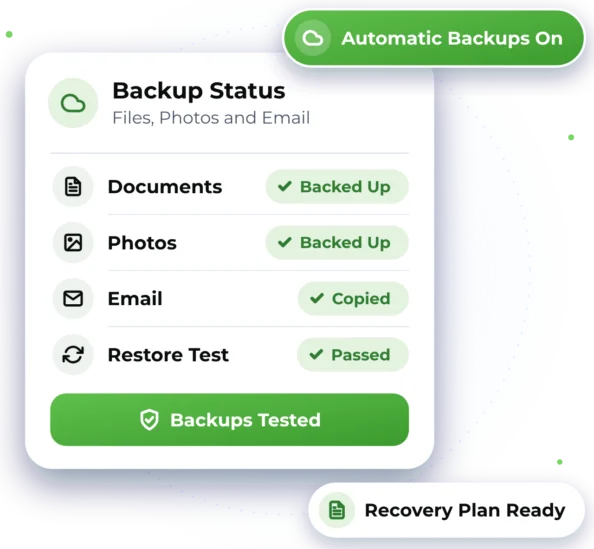

When a Backup Matters Most
Files can go missing in lots of ways. Here are some common situations, at home and at work.

Deleted by Mistake
A file, folder or email deleted at home or at work, and now you need it back.

Photos on One Phone Only
At home: years of family photos kept on a single phone or computer, with no copy.

A Computer That Has Failed
Your files may still be on it, but right now you can't reach them.

Microsoft 365 Without Backup
For businesses: staff email and OneDrive files with no separate backup in place.

A Backup No One Has Tested
Something seems to be backing up, but no one has checked a file can be restored.

Work Files on One Laptop
For businesses: client files and records saved on a single computer.


Automatic Backups, Properly Tested
A backup is a second copy of your files, kept somewhere separate. We set yours up to run automatically, then test that a file can be brought back. For businesses, that includes Microsoft 365 email and files. At home, it covers photos, documents and phones, so nothing important lives in one place.
 Backups that run automatically, so you don't have to remember A test restore after setup, with the results explained For businesses: Microsoft 365 email and files backed up separately At home: photos, documents and phone backups set up
 Recovery attempts for lost or deleted files, with honest advice
Good to know
- We always try, but some lost or deleted files can't be recovered. That's why a tested backup matters.
- Some backups need paid storage or software from another provider. We tell you about any extra cost first.
- A backup only covers what it's set up to include, so we agree with you what goes in it.

Remote Setup, Wherever You Are
We help remotely wherever we can, and arrange on-site help when the work needs hands-on assistance.

Remote Help
Backups for computers, phones and Microsoft 365 can often be set up remotely, Australia-wide. We connect over an encrypted session, and only after you say yes, so you stay in charge of your files the whole time.

On-Site Help
Where possible, we provide assistance remotely to help you get support efficiently and reduce unnecessary delays. If the work requires hands-on assistance and cannot be completed remotely, we can arrange an on-site technician, subject to availability and your location being within our on-site service area. Damaged devices may need to be looked at in person before a recovery attempt.

From First Call to a Tested Backup
Here's what to expect when you get in touch. Online chat and booking are coming soon, so for now please call or send an enquiry.

1. Tell Us What to Protect
Use the enquiry form or ring 1300 59 00 55 to tell us what needs protecting.
2. Get a Clear Backup Plan
You see the backup plan and its price before anything is set up.

3. Backups On, Then Tested
We set up automatic backups, then restore a test file to check they work.
4. Know Where Things Are
You get simple notes on what is backed up, where it goes and how to check it.

Backup and Recovery Questions
Quick answers about backups, lost files and getting things back.

We'll try. Whether a file can be recovered depends on how it was lost, how long ago, and whether the device is damaged. We tell you honestly what's possible, and what it would cost, before going further.
A separate backup gives your business its own copy of Microsoft 365 email and OneDrive files, kept apart from your live accounts. If something is deleted or changed by mistake, there's another place to restore it from.
Yes. Automatic backups can be set up for photos and documents on your home computer or phone, and we'll walk you through checking they're working, at your own pace.
We test it. After setup, we restore a sample file and check it opens properly. For businesses, regular backup checks can also be included in a monthly support plan. For one-off help, see our prices.

Ready to Get Started?
Choose the easiest way for you. We'll take it from there.


