


Bought a new computer, phone, tablet, smart TV or printer for home? We set it up, connect it to your Wi-Fi and move your files, photos and emails across safely, so it's ready to use.
 Files, photos and emails moved across safely Phones, tablets, TVs and printers connected Price confirmed before any work begins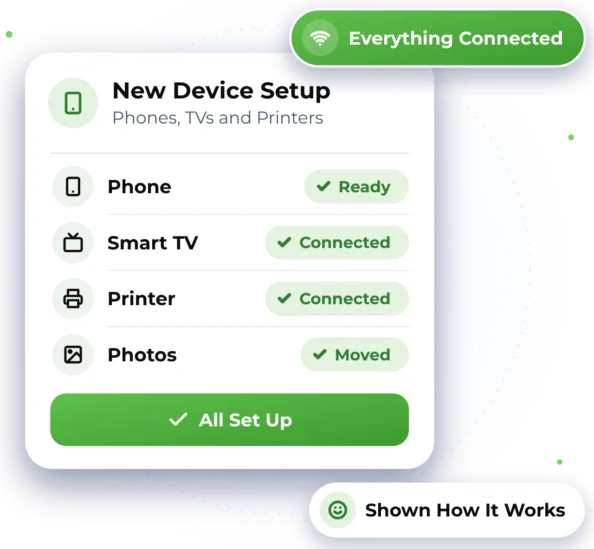

Got New Tech at Home?
Whether it's a gift, an upgrade or a replacement, we can help you get started properly.

A New Computer
Windows or Mac set up, updated and ready, with your files moved from the old one.

Moving to a New Phone
Photos and contacts moved to your new iPhone or Android, even between the two.

A Tablet or iPad
Set up with your accounts, email and backups so it's ready to use.

A New Smart TV
Connected to your home Wi-Fi and set up so it's ready to watch.

A Printer That Won't Connect
Printers connected to your Wi-Fi and to the computers that need them.

Done with an Old Device?
Your old computer or phone wiped securely once everything has been moved.

Set Up, Connected and Ready to Use
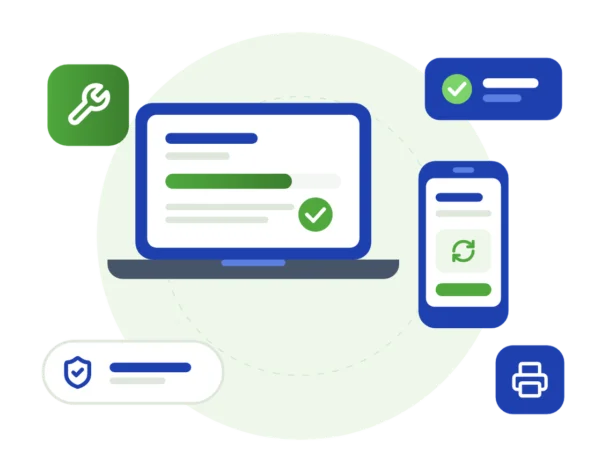
We set up your new device, sign in to your accounts, install updates and connect it to your Wi-Fi. Then we move your files, photos and emails across and check that they open. You'll know what our help costs before we start. See our prices.
 Windows and Mac computers set up, updated and ready to use Files, photos and emails moved across from your old device iPhone, iPad and Android set up, with photos and contacts moved Smart TVs and printers connected to your home Wi-Fi
 Help making sure backups are in place on your new device
Good to know
- You'll need the passwords for your accounts, such as your Apple, Google or email login.
- Some apps can't move between Apple and Android, so they may need downloading again.
- If your old device won't turn on, some files may not be recoverable. We'll explain your options first.

How We Get You Set Up
We help remotely wherever we can, and arrange on-site help when the work needs hands-on assistance.

Remote Help
We can often sign in to your accounts, install updates and set up email on a new computer remotely, while you watch. The session is secure, and it only opens once you've agreed. Wherever you are in Australia, we can help any day of the week, 7am–10pm.

On-Site Help
Where possible, we provide assistance remotely to help you get support efficiently and reduce unnecessary delays. If the work requires hands-on assistance and cannot be completed remotely, we can arrange an on-site technician, subject to availability and your location being within our on-site service area. On-site visits are available across Greater Western Sydney.

Getting Your New Device Ready
Here's what to expect when you get in touch. Online chat and booking are coming soon, so for now please call or send an enquiry.


2. Know What's Involved
Once we know the device, you'll see the setup plan and cost before we start.

3. Your Device, Set Up
We connect your device, sign you in and move your things across, step by step.


Device Setup Questions
Quick answers about setting up computers, phones, tablets and TVs.
Yes. We set up your new computer, move your files, photos and emails across, and help make sure backups are in place. If your old computer won't start, our Backup & Recovery page explains what may still be possible.
Yes. We move photos and contacts to your new iPhone or Android, including from one to the other. Before we finish, we check they're all there and let you know about any apps you'll need to download again.
Yes. We set up printers, smart TVs and other home devices and make sure they work with your Wi-Fi. If the Wi-Fi itself is patchy, see Networks & Network Security.
We'll give you honest advice. If a repair makes sense, we'll say so. If it doesn't, we'll help you choose a replacement that suits your needs and budget. For repairs, see Computer & Device Support.

Ready to Get Started?
Choose the easiest way for you. We'll take it from there.


