


For anyone who works from home, full-time or part of the week. We help with Wi-Fi black spots, secure laptops and accounts, printers and video calls, safe remote access to work, and backups of important files.
 Router and Wi-Fi settings checked remotely Secure sessions, only with your permission Open 7 days, 7am–10pm, before or after work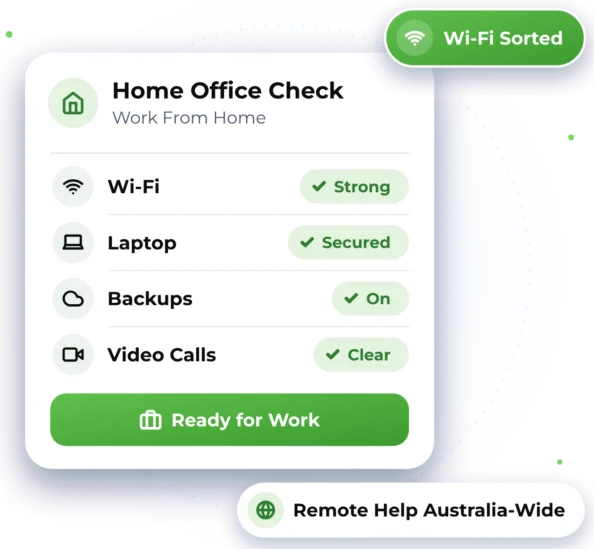

Home Office Problems We Can Sort Out
When you work from home, you're often your own IT department. Here are common issues we can help with.

Wi-Fi Black Spots
Your desk is at the far end of the house and the signal keeps dropping out.

Video Calls Playing Up
Frozen screens, choppy sound, or a camera or headset that won't connect.

Printers and Scanners
A printer or scanner that won't connect, or drivers that need sorting out.

Work and Family Devices
Your work laptop sharing a network with tablets, game consoles and smart TVs.

Safe Access to Work
Getting into work files and systems securely from home.

Files With No Backup
Important work saved on a laptop, with no copy anywhere else.

Everything Your Home Office Relies On
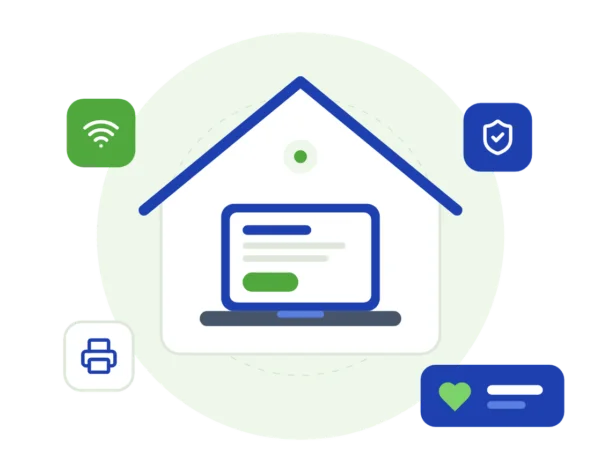
We look at your whole setup: the router and Wi-Fi, your work laptop, your email and accounts, the printer and where your files are saved. Then we explain what needs fixing in plain language, with the price before any work starts. If your employer has an IT provider, we can work alongside them.
 Networks & Network Security: Mesh Wi-Fi, router security, guest networks and safe remote access to work. Computer & Device Support: Laptops, printers, scanners and screens set up and working together. Backup & Recovery: Automatic backups for your work files, set up and tested. Cybersecurity, Virus & Scam Help: Help with suspicious emails, viruses and keeping your accounts secure.
 Microsoft 365 & Email: Email, Teams and OneDrive set up on your devices, with secure sign-in.
Help That Respects Your Working Day
- Help before or after your working hours, 7 days, 7am–10pm.
- Remote sessions only start with your permission, and you can end them at any time.
- You see the price before any work starts, and extra time is approved first.
- One team for your Wi-Fi, laptop, printer, email and backups.

Home Office Situations We Can Help With
These are illustrative examples of how we work, not real customer stories.
Video Calls Freeze in the Spare Room
Someone working from a spare room at the back of the house might find video calls keep freezing. We would start with a remote check of the router and Wi-Fi settings, then explain the options, such as mesh Wi-Fi or an extra access point, with the price before anything is bought or installed.
Work Files With No Backup
A freelancer might keep all their work on a laptop with no backup. We would set up automatic backups that are tested, explain where the copies are kept and show them how to check a backup is working. We'd also be upfront that files lost before a backup existed can't always be recovered.
Sharing Wi-Fi With the Whole Family
A work laptop might share the home network with kids' tablets, game consoles and smart TVs. We would update the router, set strong Wi-Fi passwords and set up a separate network for guests and smart devices, then leave notes on what we changed.

Not Sure Where You Fit?
Every situation is a little different. Tell us what's going on and we'll suggest a sensible next step, with the price first.

Help Without Leaving Your Desk
We help remotely wherever we can, and arrange on-site help when the work needs hands-on assistance.

Remote Help
Email, software, printer drivers and many router settings can usually be sorted in a secure remote session. It only starts with your permission, and you can watch every step and end it at any time. Remote help is available Australia-wide.

On-Site Help
Where possible, we provide assistance remotely to help you get support efficiently and reduce unnecessary delays. If the work requires hands-on assistance and cannot be completed remotely, we can arrange an on-site technician, subject to availability and your location being within our on-site service area. Our on-site service area covers Greater Western Sydney.

From First Call to Back at Work
Here's what to expect when you get in touch. Online chat and booking are coming soon, so for now please call or send an enquiry.


3. Secure Remote Session
We fix what we can remotely while you watch, and keep you updated.

4. Notes You Can Keep
You get notes on what we changed, so you know how your setup works.

Home Office Questions
Quick answers about Wi-Fi, privacy, prices and getting help for your home office.

We can check many router and security settings remotely. If new equipment such as mesh Wi-Fi is needed, we'll explain the options and the price before anything is bought or installed.
During IT support we may be able to see files on your devices. We only access what's needed to complete the job, and we keep anything we see confidential.
Home and business rates are listed separately, so you can see the price that applies to you. See our prices, and if you're not sure which applies, we'll confirm it before any work starts.
Call 1300 59 00 55 or email info@arligeeks.com. We're open 7 days, 7am–10pm, so you can get help before or after work. You can also send an enquiry and request a time, and we'll confirm it with you.

Ready to Get Started?
Choose the easiest way for you. We'll take it from there.


